How 30 Etsy Thumbnail Mockups Transform Your Digital Shop Strategy
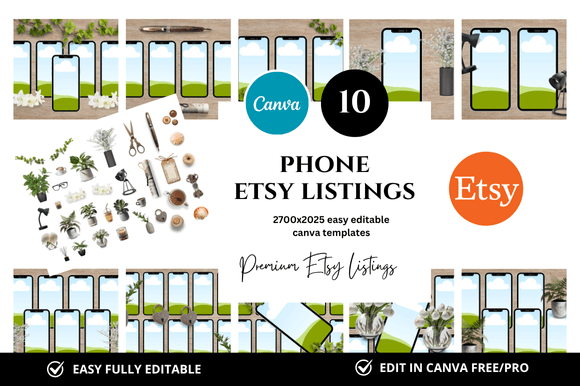
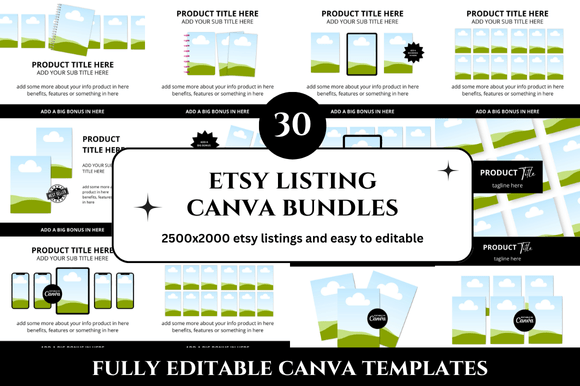
When you run a digital shop on Etsy, the visual presentation of your listings can determine whether a potential buyer clicks or scrolls past. The difference between a sale and a missed opportunity often comes down to how your product appears in search results, category pages, and customer feeds. This is where a well-designed set of mockups becomes more than a design convenience — it becomes a strategic asset. A collection of 30 Etsy Thumbnail Mockup templates, combined with 30 Etsy Listings Mockup templates, offers a systematic way to elevate your shop’s visual consistency, reduce repetitive design work, and present your digital products with a clean, professional look that builds trust and credibility.
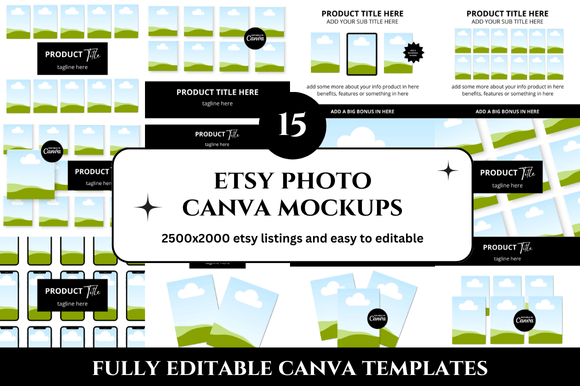
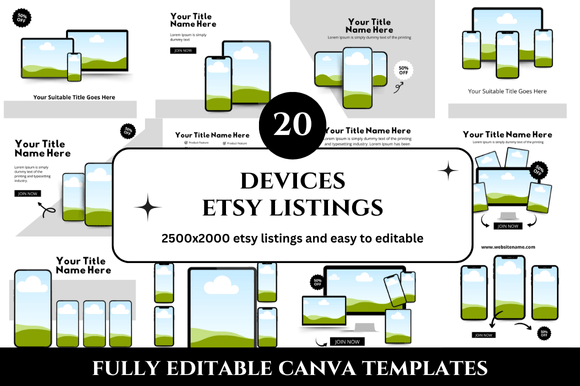
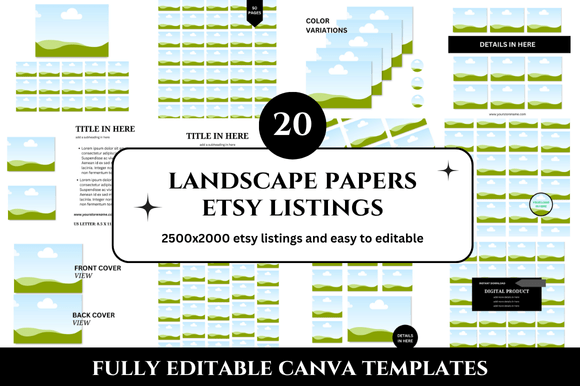
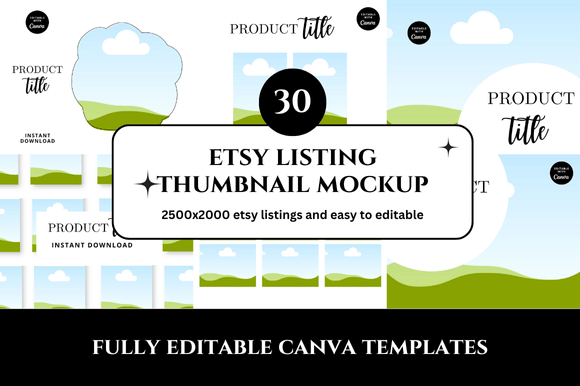
What makes this bundle particularly useful is not just the volume of templates, but the structure it provides. With 30 Etsy Listing Canva Mockup files sized at 2500 x 2000 pixels, you gain a ready-to-use framework for showcasing your printables, planners, digital art, or any other downloadable product. The templates are customizable through Canva, which means you can adapt colors, fonts, and layouts without needing advanced design skills. This practicality matters whether you are launching a new shop, scaling an existing one, or rebranding your visual identity. The goal is to save hours of repetitive work while maintaining a high standard of presentation across every listing.
Why Mockup Consistency Supports Long-Term Shop Goals
Consistency in listing imagery does more than make your shop look organized — it signals reliability to potential customers. When every thumbnail follows a similar layout, color scheme, and typography, shoppers begin to associate that visual style with quality. Over time, this builds brand recognition and reduces the cognitive effort required to evaluate your products. For an Etsy seller, this can translate into higher click-through rates, longer time spent browsing your shop, and ultimately more conversions.
Beyond customer perception, consistent mockups also streamline your own workflow. Instead of starting from scratch for each new listing, you select a template, drop in your product image, adjust text if needed, and export. This efficiency becomes especially valuable when you are launching multiple products at once, updating seasonal offerings, or preparing a collection of related printables. The 30 Etsy Thumbnail Mockup bundle removes the friction of repeated design decisions, allowing you to focus on product quality, pricing strategy, and customer communication.
From a planning perspective, having a unified template set also makes it easier to test different visual approaches. You can experiment with background colors, text placements, or mockup angles across a series of listings while keeping the core structure intact. This controlled variation helps you learn what resonates with your audience without losing the cohesive look that supports your brand identity.
Strategic Use of Listing Mockups for Different Product Categories
The practical value of 30 Etsy Listings Mockup templates becomes clearer when you consider the range of digital products you might sell. Planners, journals, goal-setting worksheets, budget trackers, habit trackers, digital art prints, invitations, and educational printables each benefit from a slightly different presentation style. A mockup that works well for a daily planner might need a different layout for an art print or a sticker sheet. Having a diverse set of 30 templates means you can match the mockup style to the product type without compromising visual consistency.
For example, a planner listing might benefit from a mockup that shows the product in use — open on a desk with a pen, coffee cup, and sticky notes. This contextual presentation helps buyers imagine how they would use the product in their own lives. An art print, on the other hand, might look best in a frame on a wall, with clean margins and minimal distractions. The bundle you receive includes enough variety to cover these different use cases, which is why the combination of thumbnail and listing mockups provides a complete toolkit for presenting digital products effectively.
Another strategic consideration is the aspect ratio and resolution. The 2500 x 2000 pixel size is generous enough to ensure sharp images on both desktop and mobile devices. Etsy’s search algorithm also favors high-quality images, so using well-lit, clear mockups can indirectly improve your search visibility. While the algorithm considers many factors, image quality and relevance remain important signals. By using professional-looking mockups, you remove one potential barrier to discovery.
How to Approach Customization Without Losing Consistency
One of the common risks when using customizable templates is that the final outputs become too varied, defeating the purpose of having a cohesive set. To avoid this, approach customization with a clear set of brand guidelines before you start editing. Decide on your primary and secondary colors, your font pairings, and any recurring visual elements such as icons, borders, or background patterns. Apply these consistently across all 30 mockups you customize.
A practical workflow might look like this: First, review all 30 templates to understand the variety of layouts available. Identify which ones are best suited for your current products and which ones you might use for future launches. Then, create a master template in Canva that includes your brand colors and fonts. Use this master to batch-customize the mockups in one session. This approach saves even more time compared to editing each template individually.
Another tip is to keep text minimal on thumbnails. Etsy listings often display titles below the image, so repeating the same information in the thumbnail can create visual clutter. Instead, use the thumbnail to show the product clearly and let the listing title do the descriptive work. A clean, uncluttered thumbnail tends to perform better in busy search results because it is easier to process at a glance.
When to Use Thumbnail Mockups Versus Listing Mockups
Understanding the distinction between thumbnail mockups and listing mockups helps you use each type more intentionally. Thumbnail mockups are typically the primary image that appears in search results, category pages, and related items sections. They need to be visually striking at a small size because that is often the first interaction a potential buyer has with your product. A strong thumbnail clearly shows what the product is, uses high contrast, and avoids small text that becomes unreadable when scaled down.
Listing mockups, on the other hand, appear within the full product page. These images can include more detail, multiple angles, lifestyle shots, and close-ups. They serve to reinforce the buyer’s decision after they have clicked through from the thumbnail. A well-designed listing mockup set might show the product in different settings, highlight key features, or demonstrate how the digital file looks after download and printing.
With 30 templates for each category, you can assign specific templates to specific roles. For instance, you might designate 10 of the thumbnail mockups as primary images for your bestsellers, 10 as secondary images that show product details, and 10 as lifestyle shots. Similarly, the listing mockups can be organized to tell a visual story across multiple images within a single listing. This structured approach ensures that every image serves a purpose and supports the buyer’s journey from discovery to purchase.
Considering the Risks of Using Mockups Without Clear Goals
While mockups are powerful tools, using them without a clear strategy can produce mixed results. One risk is that your shop ends up looking generic if you rely too heavily on templates without adding your own branding elements. Shoppers who visit multiple Etsy shops may notice similarities in layout, which can reduce your distinctiveness. To counter this, invest time in customizing the colors, fonts, and imagery to reflect your unique style.
Another risk is overloading your listings with too many images that look similar. Etsy allows up to 10 images per listing, and using all of them with slight variations of the same mockup can feel repetitive. Instead, use the variety within the 30 templates to show different aspects of the product — the cover, interior pages, usage context, and file format. This variety keeps the buyer engaged and provides a fuller understanding of what they are purchasing.
There is also the risk of neglecting mobile optimization. While the 2500 x 2000 pixel size works well on desktop, ensure that your mockups remain clear and readable on smaller screens. Test your listings on a phone before publishing to confirm that text is legible and the product is the focal point. Small adjustments to font size or image composition can make a significant difference in mobile conversion rates.
Practical Examples of Mockup-Driven Listing Optimization
Consider a shop that sells digital planners. Without a structured mockup approach, each listing might have a different style, color scheme, and layout, creating a disjointed shop experience. By using the 30 Etsy Thumbnail Mockup set, this seller can create a uniform look where every planner listing has a consistent background, similar text placement, and coordinated colors. Shoppers browsing the shop immediately recognize the brand and feel confident that the quality is consistent across products.
Another example is a shop that sells educational printables for teachers. The seller might use the listing mockups to show the product in a classroom setting, with the printable displayed on a desk alongside pencils and crayons. This contextual image helps educators visualize how they would use the material with their students. The thumbnail mockup, meanwhile, keeps the focus on the printable design itself, making it easy to identify in search results.
A third example involves a digital art seller who uses the mockup set to present prints in different frame styles and wall settings. By showing the same print in a modern frame, a rustic frame, and a gallery wall, the seller helps potential buyers imagine the art in their own space. This variety can reduce hesitation and increase the likelihood of purchase because the buyer sees the product as adaptable to different environments.
Planning Your Mockup Workflow for Maximum Efficiency
To get the most out of a 30-mockup set, plan your workflow before you begin editing. Start by auditing your current listings to identify which ones need updated imagery. Prioritize your bestsellers and newest products, as these will benefit most from improved presentation. Then, create a schedule for batch-editing your mockups, dedicating a focused block of time to customization rather than spreading it across multiple days.
During the editing session, work from a single Canva project that contains all 30 templates. This allows you to maintain consistency in fonts, colors, and spacing. Use Canva’s copy style feature to quickly apply formatting from one template to another. After customizing each mockup, export it at the highest resolution and save both the Canva template and the exported image in an organized folder structure. This makes it easy to revisit and update images later without starting over.
The bonus freebies included with the bundle can add further value. Freebies such as additional design elements, bonus layouts, or extra mockup styles expand your options without requiring additional purchases. Incorporate these into your workflow as needed, but be careful not to dilute your brand consistency by using too many disparate styles. Select freebies that align with your existing visual identity and use them to fill gaps in your current mockup set.
Long-Term Value of a Unified Mockup Strategy
Investing time in setting up a unified mockup strategy pays dividends over the long term. As your shop grows and you add more products, having a ready-to-use template set means you can launch new listings quickly without sacrificing quality. This speed becomes a competitive advantage, especially during peak seasons when timely product launches can capture more traffic.
Additionally, a consistent visual identity makes your shop more memorable. Buyers who have a positive experience with one product are more likely to return to your shop when they need similar items. Recognizable thumbnails act as visual anchors that help previous customers find your shop again in a crowded marketplace.
The clean and professional look of the 30 Etsy Thumbnail Mockup and 30 Etsy Listings Mockup set also supports your credibility as a seller. High-quality images signal that you take your business seriously, which encourages buyers to trust your product descriptions, shipping policies, and customer service. In a marketplace where trust is often built through visual cues alone, that perception matters more than many sellers realize.
Finally, the time saved by using customizable templates can be redirected toward other areas of your business — refining your product offerings, improving your customer communication, testing new marketing channels, or analyzing your shop’s performance data. The mockups become a tool that not only improves your presentation but also frees up your mental energy for higher-level strategic decisions.
Making the Decision to Integrate Mockups into Your Shop
If you are considering whether this bundle is right for your shop, evaluate your current visual consistency and the amount of time you spend on listing imagery. If you find yourself recreating similar layouts repeatedly or feeling dissatisfied with the variation in your listings, a structured mockup set offers a practical solution. The 30 Etsy Listings Mockup and 30 Etsy Thumbnail Mockup templates provide a foundation that you can build upon as your shop evolves.
Keep in mind that the value of the templates is directly tied to how thoughtfully you customize them. A template alone does not create a strong brand — your choices in colors, fonts, imagery, and messaging do. Use the templates as a starting point, but infuse them with your own visual language. This combination of structure and personalization creates a shop identity that feels both professional and authentic.
For sellers who are just starting out, the bundle eliminates the need to learn complex design software or hire a designer. For experienced sellers, it offers a scalable solution that grows with your product catalog. In either case, the key is to approach the mockups not as a one-time fix, but as a reusable resource that supports your ongoing shop strategy.