20 Devices Etsy Listings Mockup: A Practical Guide to Using Canva Mockup Templates for Your Digital Shop
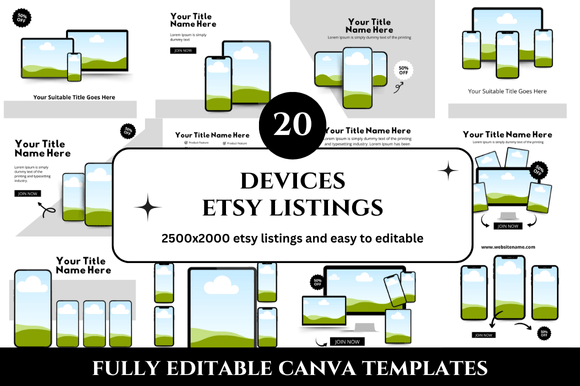
If you sell digital products on Etsy—whether printables, planners, banners, or social media templates—you already know that presentation matters. A clean, professional mockup can be the difference between a buyer scrolling past or clicking through to your listing. The 20 Devices Etsy Listings Mockup is a popular bundle designed to help sellers showcase their products across a range of devices, all inside Canva. This set includes 20 customizable templates sized at 2500 x 2000 px, plus bonus freebies. It sounds like a time-saver, and it can be—but only if you use it correctly. Many sellers jump in and make small mistakes that cost them sales, time, or credibility. Let’s walk through the common pitfalls and how to avoid them.
What is the 20 Devices Etsy Listings Mockup?
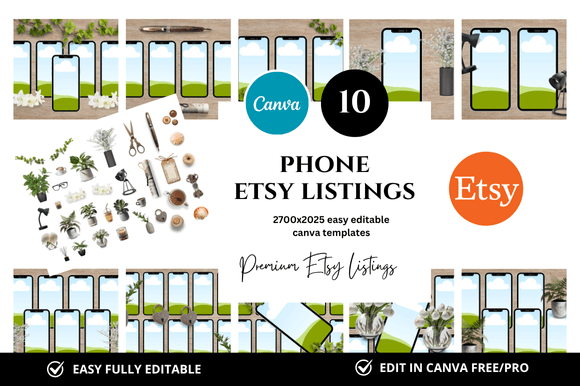
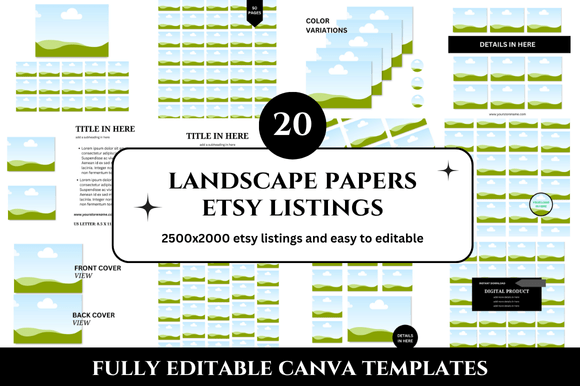
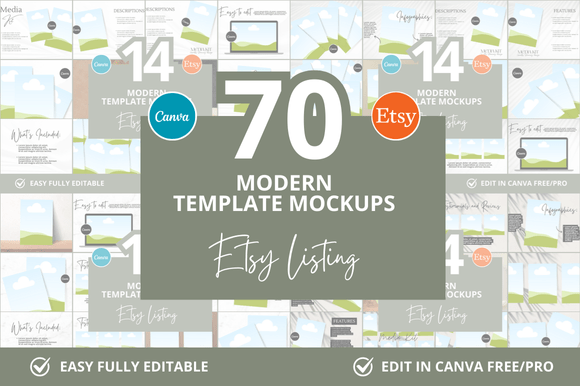
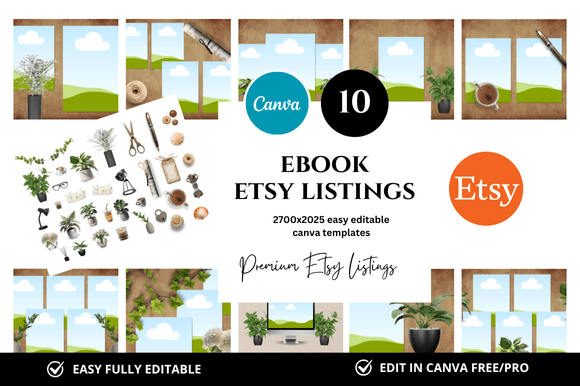
This product is a collection of Canva mockup templates specifically designed for Etsy listings. Each template places your digital product (like a planner page, a printable, or a banner) onto device screens—laptops, tablets, phones, and often multiple devices in one shot. The idea is to let potential buyers see what your product looks like in real-world use. The files are delivered via a Canva link, which means you don’t need advanced design skills. You just drag and drop your own images into the mockup, customize colors or text, and download. The bonus freebies might include extra backgrounds, frames, or social media graphics.
For Etsy sellers, especially those new to selling digital products, this kind of bundle promises to save hours of design time. But using mockups effectively requires more than just dropping in a photo.
Common Mistake #1: Ignoring the Square Format Requirements
Etsy listing images are displayed as squares—typically 1:1 aspect ratio. The 20 Devices Etsy Listings Mockup templates come in 2500 x 2000 px, which is a 5:4 ratio. That is close to square but not exactly. If you upload a 5:4 image, Etsy will crop the edges to fit a square thumbnail. A common error is to assume the mockup will appear exactly as designed. In reality, the top and bottom may be trimmed in search results. This means key elements like your logo or a call-to-action could be cut off.
Better approach: Open the template in Canva and add extra padding or background space so that the most important parts of your design are safely within the center. You can also resize the canvas to 2500 x 2500 px before adding your mockup elements, then center your design. Alternatively, check the seller’s instructions—some mockups are designed with a square-safe zone. Always preview how your listing will look in Etsy’s search results before publishing.
Common Mistake #2: Over-Customizing the Templates
Because the templates come with editable text, colors, and even device frames, some sellers feel they need to change everything. They add multiple fonts, bright backgrounds, and decorative elements that clash with their brand. The result is a messy, unprofessional look. A mockup’s job is to highlight your product, not the design of the mockup itself. When you over-customize, buyers may get confused about what they are actually purchasing.
Better approach: Keep changes minimal. Replace the placeholder product image with your own. Adjust the background color to match your brand palette (neutral tones often work best). Leave the device frames as they are—they are already optimized for realistic lighting and shadows. If you must add text, use one clean font family and keep it short: a product name or a key benefit. Remember, the mockup should make your product look aspirational, not busy.
Common Mistake #3: Ignoring the Bonus Freebies
The bundle mentions bonus freebies, yet many sellers download only the main 20 templates and skip the extras. Those bonus items—like additional mockup scenes, backgrounds, or social media templates—are often the most versatile. They can help you create cohesive branding across your entire shop, not just individual listings. Overlooking them means you’re leaving value on the table.
Better approach: After purchasing the 20 Devices Etsy Listings Mockup, take time to explore the entire folder or link. Look for any extra files labeled “bonus.” They might include flat-lay mockups, product-only shots, or cover images for Etsy sections. Integrate these into your workflow. For example, use a bonus mockup for your shop banner or social media promotion. This creates a consistent look that builds trust with your audience.
Common Mistake #4: Using the Same Mockup for Every Listing
Because the set contains 20 different device combinations, some sellers find one they like and reuse it repeatedly. While consistency is good, identical mockups can make your shop feel repetitive and reduce the impression of variety. Buyers may also become suspicious if every listing has exactly the same staged photo.
Better approach: Rotate through the different device scenes. For a digital planner, use a laptop-and-phone combo for one listing, a tablet-only view for another, and a flat-lay with stationery for a third. This shows the product in different contexts and keeps your shop visually engaging. The 20 templates give you exactly that flexibility—use it.
Common Mistake #5: Not Checking the Canva Link Access
This bundle is delivered as a Canva template link. Some sellers buy the mockup and then try to open it outside Canva, or they share the link incorrectly. Others assume they need to download the file as a PDF or PNG directly, not realizing that editing happens inside Canva’s browser-based tool. If you don’t have a Canva account, you’ll need to create one (free works fine). And if you’re not familiar with Canva’s interface, you might struggle with layers, groups, or linking to the right template.
Better approach: Before purchasing, make sure you are comfortable with Canva. The mockups are designed for Canva, so you should know how to use “Replace image” instead of manually deleting and adding. Check the product description for any requirements (e.g., Canva Pro for some elements). Once you have the link, duplicate the template so you don’t accidentally edit the original. Save your versions as separate projects for each listing.
Common Mistake #6: Neglecting Image Quality and Realism
Mockups rely on realistic device screens and shadows. A frequent error is to use a low-resolution product image inside the mockup. If your product image is blurry or has compression artifacts, the entire mockup looks cheap. Also, some sellers place the product image at a wrong angle or with uneven lighting, breaking the illusion. The mockup already has realistic shading—don’t fight it by inserting a poorly cropped image.
Better approach: Export your product image at high resolution (at least 150 DPI) and as a PNG if it has transparency. In Canva, use the “Replace image” feature on the device screen—this will automatically fit your image into the right perspective and angle. Avoid stretching or distorting. If you need to adjust brightness or contrast, do it before inserting so it matches the mockup’s lighting.
Common Mistake #7: Forgetting to Brand Your Mockups
Etsy buyers often browse multiple shops. If your mockups look generic—plain white backgrounds, no shop name, no cohesive style—you’ll blend in with thousands of other listings. The mockup set gives you a canvas, but you still need to add your brand identity. Some sellers also forget to remove the placeholder watermark or text that came with the template.
Better approach: Always add your shop name or logo in a subtle spot, such as the corner of a notebook in the scene, or on a sticker within the flat-lay. Use a consistent color palette across all 20 mockups you use. Create a small text overlay (like “Includes 12 layouts – instant download”) that stays in the same font and position. This builds recognition. And double-check that any demo text from the template is removed or replaced with your own.
Practical Advice for Choosing and Using These Mockups
- Check the device variety: The “20 Devices” label suggests multiple screen types. Ensure the set includes devices relevant to your niche. For a printable art shop, you may want more tablet or frame mockups. For a planner shop, laptop and phone combos are better. Count the scenes before buying if the listing doesn’t specify.
- Test one template fully before applying all 20: Pick the template that feels most versatile. Edit it from start to finish, export, and upload to an unpublished Etsy listing. Look at it on mobile and desktop. Ask a friend for their first impression. Once you know the process works, apply the same method to the other 19 templates.
- Use the bonus freebies to create a shop banner or social media post: Many of these mockup bundles include extra scenes that work perfectly for Etsy’s shop banner (3360 x 840 px). You can also repurpose them for Instagram or Pinterest, driving traffic back to your shop.
- Don’t ignore the “2500 x 2000 px” size: That resolution is great for crisp prints and high-detail digital displays. It also gives you flexibility to crop for Etsy while retaining quality. But always test cropping in Etsy’s preview tool before publishing.
What to Check Before You Buy
Before purchasing the 20 Devices Etsy Listings Mockup, read the product description carefully. Look for:
- Whether the templates require Canva Pro (some elements like premium fonts or stock photos may only be editable with a Pro account).
- The exact delivery method (Canva link vs. downloadable files).
- If commercial use is allowed (most mockups are, but verify you can use them for products you sell).
- Whether the mockups include the device bodies or just the screens. Full bodies with hands or desks add realism.
- What the bonus freebies actually are. Sometimes they are simple extras, other times they are additional mockup scenes.
If the seller provides sample images, examine them closely. Do the backgrounds look realistic or too stock-like? Are the device screens clearly visible without glare? A good mockup should look like a photograph, not a flat vector. The best ones use subtle shadows and reflections.
Final Thoughts
The 20 Devices Etsy Listings Mockup is a powerful tool for anyone selling digital products on Etsy. It can save you time and elevate your shop’s professionalism—but only if you use it thoughtfully. Avoid the common mistakes: ignoring Etsy’s square format, over-customizing, neglecting bonus files, and reusing the same template. Instead, rotate your scenes, maintain your brand identity, check image quality, and familiarize yourself with Canva. By doing so, you’ll create listings that stand out and convert browsers into buyers. Happy designing!