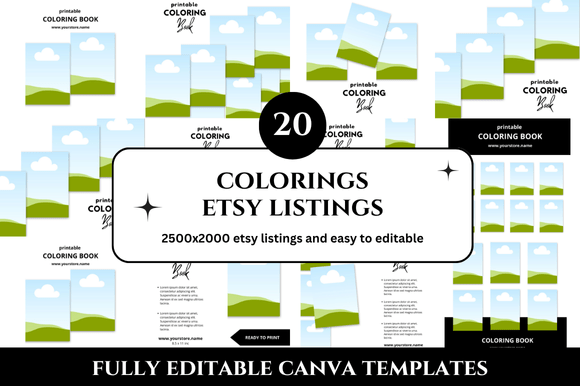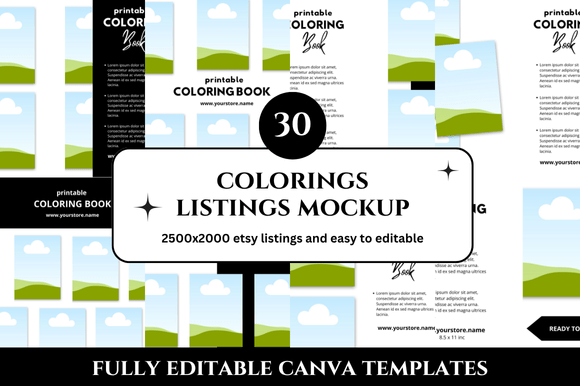
30 Colorings Etsy Listings Mockup Templates That Save Hours
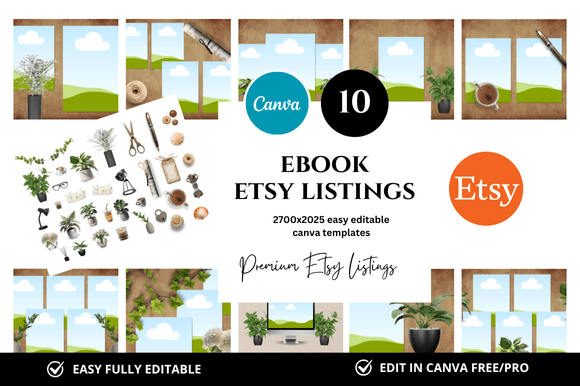
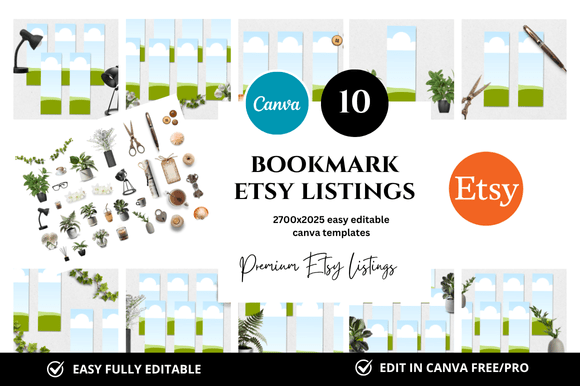
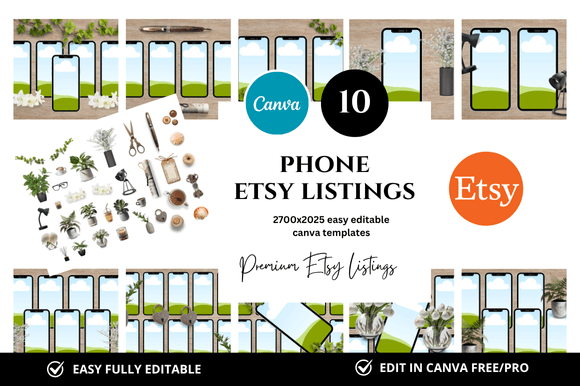
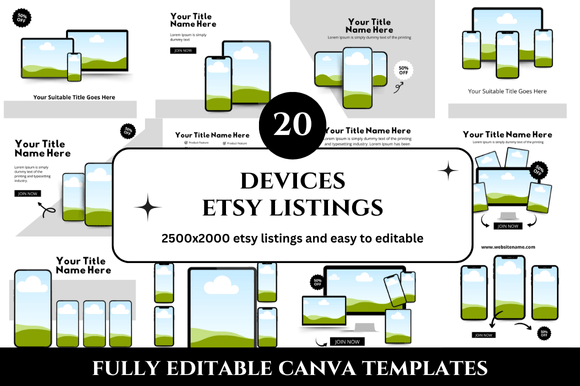
Creating a cohesive Etsy shop is one of the most time-consuming parts of selling digital products. You spend hours designing your printables, but then you still need to produce listing images that look professional, consistent, and appealing enough to convince a browser to click. That is exactly where a set of 30 Colorings Etsy Listings Mockup templates becomes genuinely useful. Instead of starting each listing from scratch or piecing together mismatched layouts, you get a complete system of thirty ready-to-use Canva mockups designed specifically for coloring products and similar printable items. The dimensions are generous at 2500 x 2000 pixels, which gives you plenty of room to showcase details without feeling cramped. And because they come as an instant download with customizable Canva links, you can begin editing within minutes rather than hours.
What Makes This Etsy Listings Mockup Bundle Different
A single mockup can help you create one listing image. Thirty mockups, however, let you build an entire shop identity at once. This particular bundle is built around coloring products, but the clean and professional look makes it adaptable for planners, journals, activity sheets, and other printable categories. Each template follows a consistent aesthetic so your shop feels intentional rather than thrown together. That visual consistency builds trust with potential buyers because it signals that you care about presentation just as much as content. The templates also include bonus freebies, which add extra value without requiring additional design work from you. Whether you are a new seller trying to establish a brand or an experienced shop owner looking to refresh your visuals, having thirty coordinated mockups removes the repetitive guesswork from listing creation.
Coloring Page Creators
If you sell individual coloring pages or entire coloring books, these mockups give you a fast way to present your artwork. Drop a sample page into the template, adjust the background color to match your shop palette, and you have a listing image that highlights your actual product rather than relying on generic stock photography. The 2500 x 2000 pixel size works especially well for showing intricate line art because the resolution allows zoomed-in details without pixelation. You can create one mockup for each listing in your shop and maintain a uniform look that makes your brand instantly recognizable in search results.
Planner and Journal Designers
Planner sellers often struggle with listing images that communicate both functionality and aesthetics. These mockups can display your planner pages alongside writing samples, stickers, or organizational elements. Because the templates are customizable, you can layer in text overlays that highlight key features like dated pages, habit trackers, or goal sections. The clean layout keeps the focus on your product while giving you space to include important selling points such as paper size, binding options, or page count. This approach reduces the time you spend rearranging elements for each new listing and lets you focus on creating better planner content.
Educators and Homeschool Parents
Teachers selling educational printables often need listing images that convey clarity and usefulness. A mockup that shows a worksheet sample, a completed example, and a brief description helps potential buyers understand exactly what they are getting. These templates support that clarity by providing structured layouts where you can place your content without overcrowding. You can use different mockups for different age groups or subjects while still keeping your shop visually cohesive. Parents buying homeschool materials appreciate seeing clean, organized listing images because it suggests the product itself will be easy to use.
Small Business Owners and Entrepreneurs
If you are selling printable business tools like planners, trackers, or client workbooks, your listing images need to look polished and trustworthy. The professional design of these mockups helps you establish credibility quickly. You can include testimonials, usage suggestions, or product dimensions within the template without making the image feel cluttered. The instant download feature means you can set up a new product listing in under fifteen minutes once your mockup is customized, which is especially helpful when you are launching multiple products at once or running a seasonal promotion.
Color Palette Customization
The templates come with a clean baseline design, but the real power is in how you customize them. Start by choosing two or three brand colors that reflect your shop identity. Use one color for the background, another for accent elements, and a neutral for text overlays. This simple system keeps your listings looking purposeful without requiring advanced design skills. You can save your brand colors as a Canva color kit so applying them to all thirty templates takes only a few clicks. Consistent color use across your shop helps customers recognize your products instantly, which can increase click-through rates and repeat purchases.
Typography Choices
Font selection matters more than most sellers realize. A playful script font works well for coloring page listings aimed at adults, while a clean sans-serif font suits planner products or educational materials. The templates allow you to swap fonts easily, so you can match the tone of your product category. Keep your font choices limited to two or three styles across your entire shop to maintain visual harmony. You can designate one font for headers, another for body text, and a third for decorative elements or callouts like sale badges or bundle offers.
Layout Variations for Different Product Types
Not all products need the same kind of listing image. A coloring book might benefit from a mockup that shows multiple pages arranged in a grid, while a single coloring page might look better with a large central image and text placed on one side. Having thirty templates gives you the flexibility to choose the right layout for each product. You can reserve full-bleed image mockups for your best sellers and use text-heavy layouts for products that require more explanation, such as digital planners with multiple sections or educational packs with many pages.
Staying Organized While Scaling Your Shop
As your Etsy shop grows, managing listing images becomes more complex. A set of thirty coordinated mockups simplifies this process because you can apply the same design system to every new product. Create a folder in Canva where you store each customized template with clear naming conventions like Coloring_Mockup_01 or Planner_Mockup_12. When you need a new listing image, duplicate the most appropriate template, swap in the new product sample, and adjust the text. This workflow cuts your design time by at least half compared to building each image from scratch. The bonus freebies included with the bundle can serve as additional design elements like badges, arrows, or decorative frames that you reuse across multiple templates to maintain continuity.
Keeping Your Listings Audience-Friendly
The most effective listing images are those that answer a potential buyer's questions at a glance. Use your mockup to show the product clearly, include essential details like page count or file format, and add a call to action if appropriate. Avoid overcrowding the image with excessive text or decorative elements that distract from the product itself. The clean and professional look of these templates supports this approach by providing a structured canvas where your product remains the focal point. Test different layouts by asking a friend or fellow seller which version conveys the information most clearly. Small adjustments, such as moving a text block to the left or changing a font size, can significantly improve how your listing performs in search results.
Practical Inspiration for Your First Ten Mockups
If you are unsure where to start, consider creating mockups that cover your most common product types first. Use one template for your best-selling coloring page, another for a bundled collection, and a third for a seasonal or holiday-themed product. Create a mockup specifically for product previews that shows multiple angles or sample spreads. Reserve one template for promotion announcements such as new arrivals or limited-time discounts. Once you have customized these core mockups, you can adapt the remaining templates as you expand your product line. This phased approach prevents overwhelm and ensures that your most important listings always look their best.
Why Consistency Matters for Etsy Success
Buyers make snap judgments about shop quality based on listing images. A shop where every image looks different can feel chaotic or untrustworthy, even if the products themselves are excellent. By using a unified set of mockups, you signal that you are a serious seller who pays attention to detail. This consistency also helps your products stand out in search results because the visual repetition makes your brand more memorable. Over time, customers may start recognizing your listing style and click on your products specifically because they trust the quality of your presentation. The thirty templates in this bundle give you enough variety to avoid monotony while still maintaining a cohesive shop identity.
Making the Most of Instant Download Templates
The instant download format means you can access your templates immediately after purchase and start editing in Canva without waiting for files to arrive via email. This is especially valuable if you are preparing for a shop launch or working toward a deadline. Open the Canva link, browse through the thirty templates, and select the ones that match your current needs. Customize the colors, fonts, and product samples, then download your finished images as high-resolution PNG or JPEG files. The entire process from purchase to first listing image can take under an hour, which is remarkable considering how much time it usually takes to design professional mockups from scratch. As you become more familiar with the templates, your speed will increase even further.
Adapting the Mockups for Different Platforms
While these templates are designed for Etsy listings, they work equally well on other platforms. You can resize them for social media posts on Instagram, Pinterest, or Facebook to promote your products. The clean design translates well to thumbnails for YouTube videos or product images for your own website. Having a consistent visual identity across platforms reinforces your brand and makes your shop feel more established. Keep a master folder with your customized templates so you can quickly generate social media graphics that match your Etsy listings without redesigning everything from scratch.
A Reliable Foundation for Your Shop
Building an Etsy shop is a long-term effort, and the tools you use should support your growth rather than limit it. A set of thirty well-designed mockups gives you a reliable foundation that you can return to again and again as you add new products. The customizable Canva format ensures that your shop can evolve with your brand without requiring you to learn complex design software. Whether you are launching your first listing or your hundredth, having a system in place saves you hours of repetitive work and lets you focus on what matters most: creating products that your customers will love. The bonus freebies included with this bundle are simply an extra reason to invest in a resource that will serve you for months or years to come. Enjoy the process and let the templates handle the heavy lifting so you can spend your time designing, producing, and connecting with your audience.