Bonus Etsy Listings Mockup Bundle
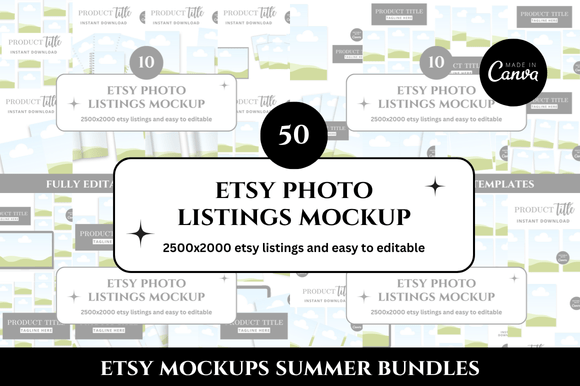
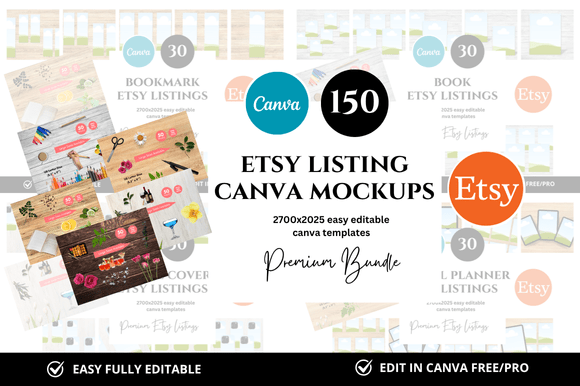
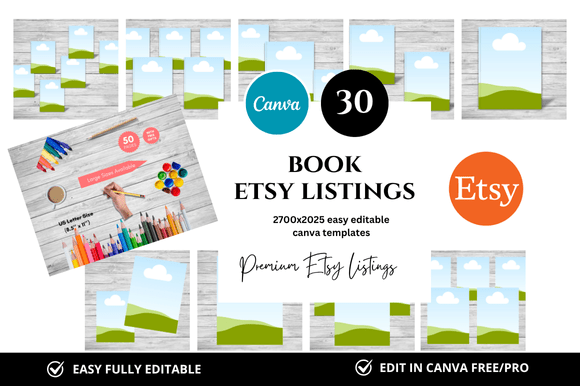
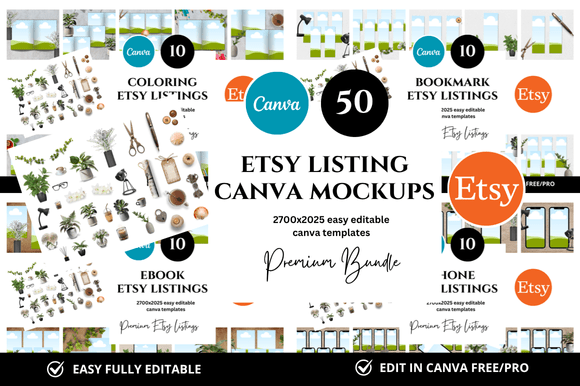
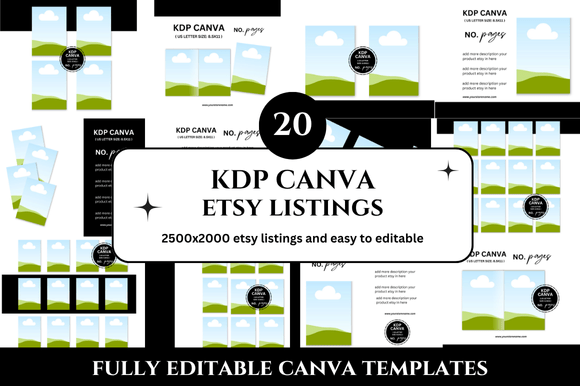
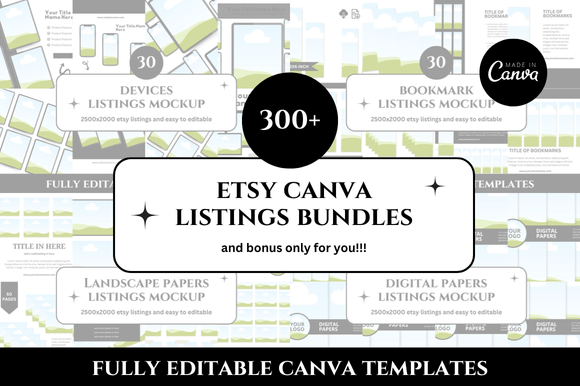
Creating a standout Etsy shop takes more than great products. It requires consistent, professional visuals that capture attention and build trust. The Bonus Etsy Listings Mockup Bundle offers a ready-to-use collection of Canva templates designed to streamline your listing creation process. With 330 customizable mockups at 2500 x 2000 px, this bundle gives you a structured starting point for banners, covers, square listings, and more. Instead of building each design from scratch, you can adapt these templates to match your brand and focus on what matters most—your products and your customers.
Whether you are launching a new shop, refreshing an existing one, or looking for ways to save time without sacrificing quality, this bundle provides practical resources that fit into your workflow. The templates are fully editable in Canva, so you can adjust colors, fonts, images, and layout elements to suit your style. This article explores how you can use the Bonus Etsy Listings Mockup Bundle creatively and effectively, no matter your experience level or niche.
What Makes This Bundle Useful
Time is one of the most valuable resources for any seller. Creating listing images one by one can become repetitive and time-consuming. The Bonus Etsy Listings Mockup Bundle eliminates that friction by giving you a library of pre-sized templates that are already optimized for Etsy’s display requirements. Each mockup is designed to look clean and professional, which helps your shop appear polished from the first glance.
Beyond saving time, the bundle offers consistency. When all your listings share a similar visual language, customers recognize your brand more easily. This cohesion builds familiarity and can positively influence purchasing decisions. The templates cover various formats including square listings, banners, and shop covers, so you can maintain a unified look across your entire storefront.
Another practical advantage is the instant download and Canva link integration. You do not need advanced design skills or expensive software. As long as you have a free Canva account, you can open the templates, make edits, and export your final images in minutes. This accessibility makes the bundle suitable for beginners and experienced sellers alike.
Creative Possibilities for Different Shop Types
One of the strengths of the Bonus Etsy Listings Mockup Bundle is its versatility. The templates are not locked into a single style, so you can adapt them to a wide range of product categories. Here are some practical ways different sellers might use these mockups.
Digital Product Shops
If you sell printables, planners, wall art, or digital courses, your listings need to convey the value of a non-physical item. Clean mockups help customers visualize what they will receive. You can use the templates to display preview images, highlight key features, or show how a printable looks when framed. The square listing templates work well for thumbnails, while the larger banner formats give you space to explain what is included in your bundle.
For example, a planner seller could use one template to show the cover, another to display an interior page, and a third to list product details. Keeping the same template structure across all listings makes your shop feel organized and professional.
Physical Product Shops
Sellers of handmade goods, clothing, or home decor can also benefit from these mockups. Even if you photograph your products yourself, having consistent listing frames around your images creates a clean, branded look. You might use the templates as backgrounds or borders that complement your product photos without overpowering them.
A jewelry maker, for instance, could place product images inside the mockup frames with a subtle brand color behind them. This approach keeps the focus on the item while maintaining a cohesive aesthetic throughout the shop.
Print-on-Demand and Merchandise Shops
For print-on-demand sellers, mockups are essential. The bundle gives you ready-made layouts where you can insert your designs onto t-shirts, mugs, or other products. You can also create lifestyle-style previews that show the product in context. The 2500 x 2000 px resolution ensures your images remain sharp and clear, which is important for customer confidence.
Adapting the Templates to Your Brand
While the templates come with a clean, professional look out of the box, customization is where they truly shine. The Bonus Etsy Listings Mockup Bundle is designed for flexibility, so you can inject your brand personality into every listing.
- Color palette: Change background colors, text colors, and accent elements to match your brand. Stick to two or three primary colors to keep the design cohesive.
- Typography: Swap out the default fonts for ones that reflect your style. Canva offers thousands of font options, so you can find combinations that feel modern, elegant, playful, or minimal.
- Imagery: Replace placeholder images with your own product photos or graphics. The template structure will remain intact, so you do not have to worry about alignment or sizing.
- Layout adjustments: If a template has multiple text boxes or image slots, you can rearrange them or remove elements that do not fit your listing. This keeps the design functional rather than cluttered.
The key is to make each template feel like your own. A customer visiting your shop should immediately sense a consistent visual identity, but each listing should still feel unique enough to stand on its own.
Using Mockups to Improve Customer Experience
Good design is not just about aesthetics. It also affects how customers perceive your reliability and attention to detail. When you use clean, well-organized mockups, you make it easier for shoppers to understand what you are offering. This can reduce confusion and help them make purchasing decisions faster.
The Bonus Etsy Listings Mockup Bundle is particularly helpful for sellers who offer multiple variations of a product. Instead of creating entirely new images for each variation, you can use the same template layout and simply swap out the product photo or text. This approach keeps your listings consistent while still showing the range of options available.
For educators or course creators, the templates can be used to display curriculum highlights, lesson previews, or learning outcomes. Clear, scannable visuals help potential students quickly grasp the value of your course, which can improve conversion rates.
Practical Tips for Getting the Most Out of the Bundle
To make the most of the Bonus Etsy Listings Mockup Bundle, consider these practical recommendations.
- Batch your design work: Set aside a few hours to customize all your listing templates at once. This helps maintain consistency and saves you from having to switch between tasks repeatedly.
- Create a brand kit in Canva: Save your brand colors, fonts, and logos in Canva’s brand kit feature. Then apply them to the templates with one click. This speeds up the editing process and ensures uniformity.
- Keep text minimal: Your listing images should communicate the main idea quickly. Use short headlines, bullet points, and key phrases. Reserve detailed descriptions for your listing text.
- Use the extra freebies wisely: The bundle includes bonus freebies specifically for you. Incorporate these bonus elements sparingly to add value without overwhelming the design. A small icon or accent graphic can enhance the layout without distracting from the product.
- Test different formats: Etsy displays listings in various sizes depending on the device and page layout. The 2500 x 2000 px size works well for most placements, but you can also create variations for social media promotion using the same templates.
Expanding Beyond Etsy
While the bundle is optimized for Etsy listings, the templates are versatile enough for other platforms. You can repurpose them for your website, social media posts, email newsletters, or even printed materials like flyers and business cards. The clean, professional design translates well across different media.
For example, a blogger who also runs an Etsy shop could use the same mockup style for Pinterest pins, Instagram posts, and blog images. This cross-platform consistency reinforces your brand and makes your content instantly recognizable. Similarly, a small business owner selling both online and at local markets could use the templates for digital listings and printed signage.
The Bonus 330 Etsy Listings Mockup Bundle expands your options even further, giving you an extensive library to choose from. With 330 templates at your disposal, you can experiment with different layouts for different product lines or seasonal promotions. Having this many options means you will rarely need to start from scratch, even if you launch new products frequently.
Staying Organized as You Create
With a large bundle of templates, staying organized can help you maintain efficiency. Here are a few ways to keep your files manageable.
- Label your templates: If the templates come with numbered or category-based names, keep that structure. It helps you find the right layout quickly.
- Create folders in Canva: Organize your edited templates into folders based on product type, season, or collection. This way, you can access them without scrolling through dozens of designs.
- Duplicate sparingly: When you need a variation of an existing listing, duplicate the template rather than starting over. This preserves your formatting and reduces the chance of errors.
- Keep a style guide: Write down the fonts, colors, and image treatments you use. If you ever need to recreate a similar look, you will have a reference to follow.
Balancing Creativity with Practicality
The best shop designs strike a balance between creative expression and practical function. The Bonus Etsy Listings Mockup Bundle gives you a foundation that already leans toward clean, professional layouts. From there, you can add your own creative touches without worrying about the structural elements falling apart.
If you enjoy experimenting with design, try combining elements from different templates in the bundle. For instance, take a layout from one banner template and apply the background style from another. Mixing and matching can lead to fresh combinations that still feel cohesive because all templates share a similar design language.
If you prefer a more straightforward approach, simply use the templates as they are with your own images and text. The professional quality of the designs means you do not need to add much to make them look great. Sometimes, less is more when it comes to listing images—customers appreciate clarity over complexity.
Final Thoughts
The Bonus Etsy Listings Mockup Bundle and the expanded Bonus 330 Etsy Listings Mockup Bundle offer practical, time-saving resources for anyone selling on Etsy. With customizable Canva templates, instant download, and bonus freebies included, these bundles help you create consistent, professional listings without the usual design overhead. Whether you are a seasoned seller or just starting out, having a reliable set of templates lets you focus more on your products and your customers and less on repetitive design tasks. Enjoy the process, experiment with your edits, and let your shop reflect the care you put into every listing. Happy designing.