15 Etsy Thumbnails Mockup: Streamline Your Shop Design
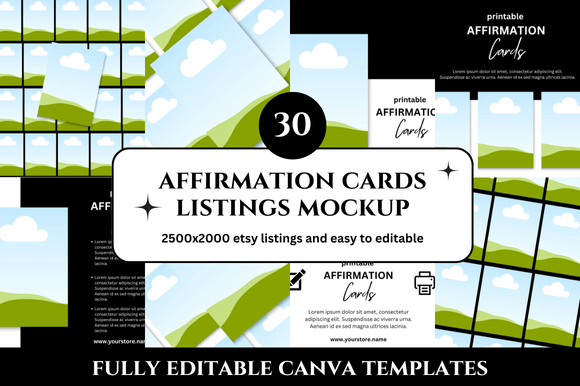
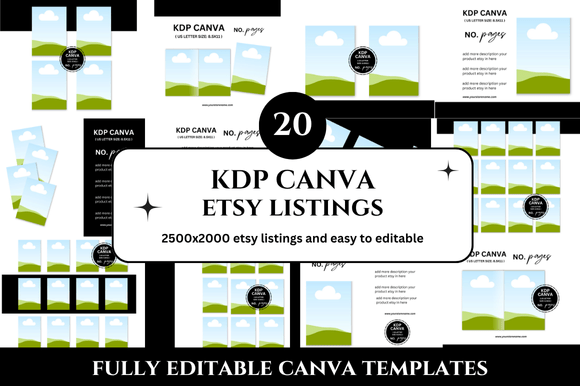
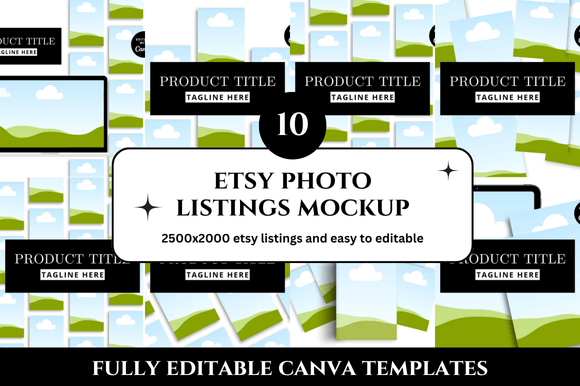
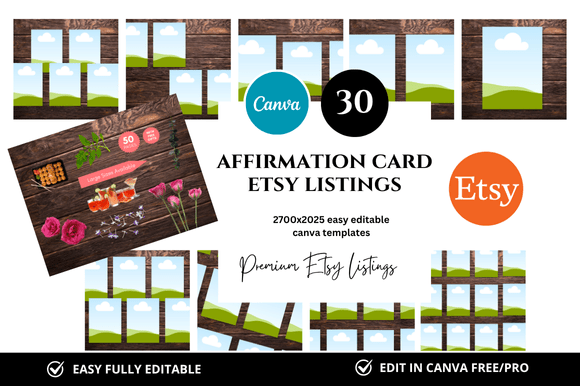
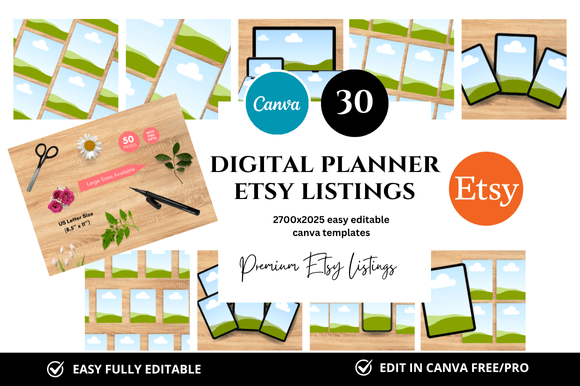
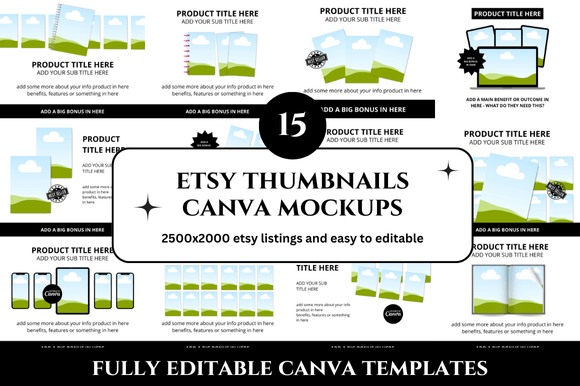
If you sell on Etsy, you know the power of first impressions. A cohesive, professional shop doesn't just happen—it takes time, consistency, and a clear visual direction. That’s where a comprehensive template bundle like 15 Etsy Thumbnails Mockup and 15 Etsy Listings Mockup becomes not just a timesaver, but a strategic asset. This instant-download set gives you 30 customizable Canva templates (2500 x 2000 px each) plus bonus freebies, designed to help you build a polished shop presence without starting from scratch. Whether you’re launching your first store or refreshing an existing one, this article explores how to make the most of these templates—and how they can elevate your entire shop experience.
What Makes This Mockup Bundle Interesting
At its core, this bundle solves a real problem for Etsy sellers: the gap between having a product and presenting it well. Thumbnails and listing images are the first thing shoppers see, and they heavily influence click-through rates. Yet designing them consistently across dozens of listings can feel overwhelming. This set gives you 15 ready-made thumbnail mockups and 15 listing mockups, all in a clean, professional style. Because they’re built in Canva, you can edit them directly in your browser—no advanced design software required.
The bundle also includes bonus freebies, which add extra value without extra effort. For anyone who sells digital products, printables, planners, or similar items, these templates provide a foundation that already looks good. You just swap in your own screenshots, adjust colours, and add your branding. The 2500 x 2000 px resolution is ideal for Etsy’s image requirements, giving you crisp results across devices.
Creative Possibilities for Your Shop
One bundle can serve many kinds of shops. Here are several ways to adapt it to your niche:
Planner and Printables Sellers
If you sell digital planners, journals, or sticker sets, your thumbnails need to show the product clearly while conveying its aesthetic. Use the thumbnail mockups to feature a single product page or a spread. For listings, the mockup templates can display multiple angles or usage scenarios. Keep backgrounds light and clean to match the productivity or wellness vibe most planner buyers expect.
Art and Print Sellers
Art sellers often struggle to present their work without distracting backgrounds. These mockups let you place your artwork in a simple frame or on a subtle surface. You can group similar pieces into collections using the same template style, so customers recognize your brand instantly. The bonus freebies might include additional textures or overlays that give your art a gallery-like feel.
Digital Course or Template Creators
For those selling Canva templates, social media kits, or educational PDFs, the listing mockups are perfect for showing previews of what buyers get. Use the 15 listing templates to break down features: one image could show the main file, another a close-up of editable elements, and a third showing it in use on a laptop or phone. The consistency across thumbnails builds trust and professionalism.
Small Business and Branding Services
If you sell branding packages, logo templates, or business card designs, these mockups can present your work in a client-ready format. The clean, professional look suits service-based shops where buyers expect high quality. You can even adapt the templates for portfolio pieces, showing how your designs translate to real products.
How Different Users Can Adapt the Templates
This bundle isn’t one-size-fits-all, and that’s its strength. Different sellers will use it differently based on their goals, audience, and stage of business.
New sellers can start with the bundle as their entire shop design kit. Choose one thumbnail template and one listing template as your base, then apply them to all your first listings. This creates instant brand recognition without needing to design a full brand guide. The bonus freebies may include colour palette suggestions or font pairings, which help you make consistent choices from day one.
Established sellers can use the bundle to refresh specific sections of their shop. Maybe your best-selling category needs updated images, or you’re launching a new product line. Instead of redesigning everything, pull the relevant templates and adjust them to match your existing branding. The 2500 x 2000 px resolution also works for social media posts, so you can repurpose listing images for Instagram or Pinterest.
Designers and freelancers who manage multiple Etsy shops can use the bundle as a starting point for each new client. Since the templates are customizable, you can create distinct looks for different brands while keeping the same structural quality. The link to Canva means you can collaborate with clients directly, letting them tweak colours or text without messing up the layout.
Practical Tips for Customisation and Consistency
Getting the most from these mockups means going beyond simply adding your product image. Here are actionable steps to keep results clear and effective:
- Keep one layout per product category. Assign a specific thumbnail template to each type of product you sell. For example, use Template 1 for all planners, Template 2 for all sticker packs, and so on. This reduces buyer confusion and makes your shop look organised.
- Adjust colours to match your brand. Even if you only change the background colour and font shade, you’ll create a more cohesive look. Use Canva’s colour picker to sample colours from your logo or product images.
- Use consistent typography across listings. The templates likely include placeholder text. Replace it with your own titles, but keep the same font style and size throughout your shop. This small detail signals professionalism.
- Add a subtle texture or shadow layer. The bonus freebies may include overlays. Use them sparingly—a soft shadow behind a product photo or a subtle paper texture can add depth without distracting.
- Test thumbnails at small sizes. Etsy displays thumbnails small on search results. Zoom out in Canva to see how your image looks at thumbnail scale. Make sure text is legible and the main subject is clear.
Realistic Examples and Workflow Ideas
Let’s walk through a concrete scenario to see the bundle in action. Imagine you sell digital sticker sheets for planners. You have 15 different sticker sets. Using this bundle, you could:
- Open the 15 thumbnail mockups and paste one sticker sheet image into each. Keep the background colour consistent across all 15—say, a soft cream.
- Open the 15 listing mockups and use them to show the sticker sheet on a planner page, a close-up of the details, and an image of the sheet with a pair of scissors next to it (to show scale).
- Use the bonus freebies to add a small “Bestseller” badge or a “New” tag to a few thumbnails.
- Upload the images to Etsy in the correct order. Because the templates share a common visual language, your shop page will feel unified even when scrolling through multiple listings.
Another workflow: if you sell educational PDFs, use the listing mockups to display the first page of the PDF, a sample activity spread, and a screenshot of the download page. The mockup frames give the images a polished edge that a simple screenshot lacks. Buyers perceive higher value, which can justify a slightly higher price point.
Keeping Results Audience-Friendly and Original
While templates give you a head start, your shop’s uniqueness comes from your products and how you present them. Use the bundle to amplify your own style, not replace it. Here’s how to keep your results original without reinventing the wheel:
- Swap out at least one element per template. Change a shape, move a text box, or replace a decorative element. This prevents your shop from looking exactly like someone else’s who used the same bundle.
- Add your own photography or screenshots. Even a simple photo of a printed planner on a desk feels personal. The mockup frames are meant to hold your content, not replace it.
- Use the consistent structure to highlight variety. If all your thumbnails follow the same layout, customers focus on the product differences. That’s good for showcasing a range of designs or topics.
- Think about your audience’s environment. If you sell to busy moms or students, images that feel warm, organised, or aspirational will resonate. If you sell to creatives, bold colours or minimal lines work better. Let the templates adapt to your audience’s taste, not the other way around.
Why Clean and Professional Works for Digital Products
The phrase “clean and professional” describes most successful Etsy shops that sell digital items. Buyers of digital products are often looking for something that saves them time or inspires them. If your listing images look cluttered or inconsistent, they may doubt the quality of the file. The 15 Etsy Listings Mockup templates in this bundle focus on simplicity—clear product placement, enough white space, and text that doesn’t overwhelm. This approach helps shoppers quickly understand what they’re getting.
Another advantage of the bundled format is that you get both thumbnails and listings designed to work together. Thumbnails catch the eye; listing images close the sale. When both use the same style, the buyer experience feels seamless from search to product page. That coherence is something many sellers overlook, and it can be the difference between a browse and a purchase.
Making the Bonus Freebies Work for You
The freebies included with this bundle aren’t just afterthoughts. They might include extra mockup scenes, texture overlays, colour swatches, or font pairings. To get full value from them, set aside a short session to import them into Canva and test them with your products. Even if you don’t use every freebie, having a library of ready-to-use assets speeds up future listing creation. Treat the freebies as a mini expansion pack that gives you design options without extra cost.
Final Thoughts on Using These Mockups
The 15 Etsy Thumbnails Mockup and 15 Etsy Listings Mockup bundle is more than a set of templates—it’s a system for presenting your digital products with confidence. By starting with a cohesive visual base, you free up mental energy to focus on product quality, customer service, and marketing. Whether you’re a seller, designer, or creative entrepreneur, these Canva mockups help you build a shop that looks curated and trustworthy.
Take the time to customise each template to your brand. Experiment with different colour combinations, test how thumbnails look in search results, and reuse the best layouts across your entire catalogue. The result will be a shop that feels intentional and easy to navigate—something buyers notice and remember.